- 12 Jul 2026
- Gideon Thornton
- 0
Microwave Troubleshooting Assistant
What is happening with your microwave?
Your microwave just stopped heating. Or maybe it hums loudly but doesn't spin the plate. It’s frustrating, especially when you’re hungry or trying to get dinner on the table. Before you throw it away or call an expensive technician, there are several things you can check yourself. Some issues are simple fixes-like a tripped plug or a stuck door switch-that take five minutes to resolve.
However, microwaves are different from other kitchen appliances. They contain high-voltage components that can hold a lethal charge even when unplugged. This guide will walk you through safe, effective troubleshooting steps for common problems. We’ll cover what you can safely fix at home and, crucially, when you should stop and call a professional. Safety is the number one rule here.
Quick Summary / Key Takeaways
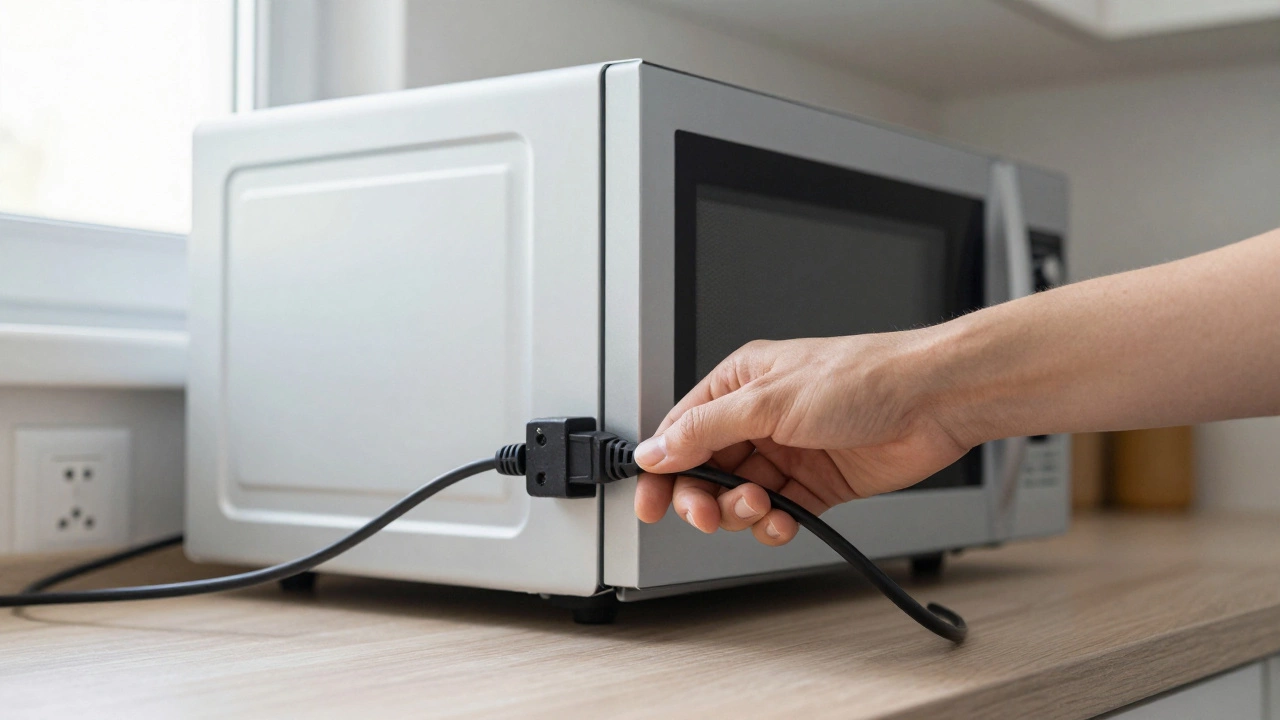
- Always unplug the microwave before attempting any inspection or repair. The internal capacitor can store a dangerous electric charge.
- Check the basics first: Ensure the unit is plugged in, the circuit breaker hasn’t tripped, and the door is closing properly.
- Clean the interior regularly: Food splatter and grease buildup can cause arcing (sparks) and uneven heating.
- Do not open the casing: If the problem isn’t external (door, plug, settings), internal repairs require specialized tools and knowledge of high-voltage safety.
- Know when to replace: If the magnetron is dead or the high-voltage diode is faulty, replacement is often more cost-effective than repair for older models.
Safety First: Understanding the Risks
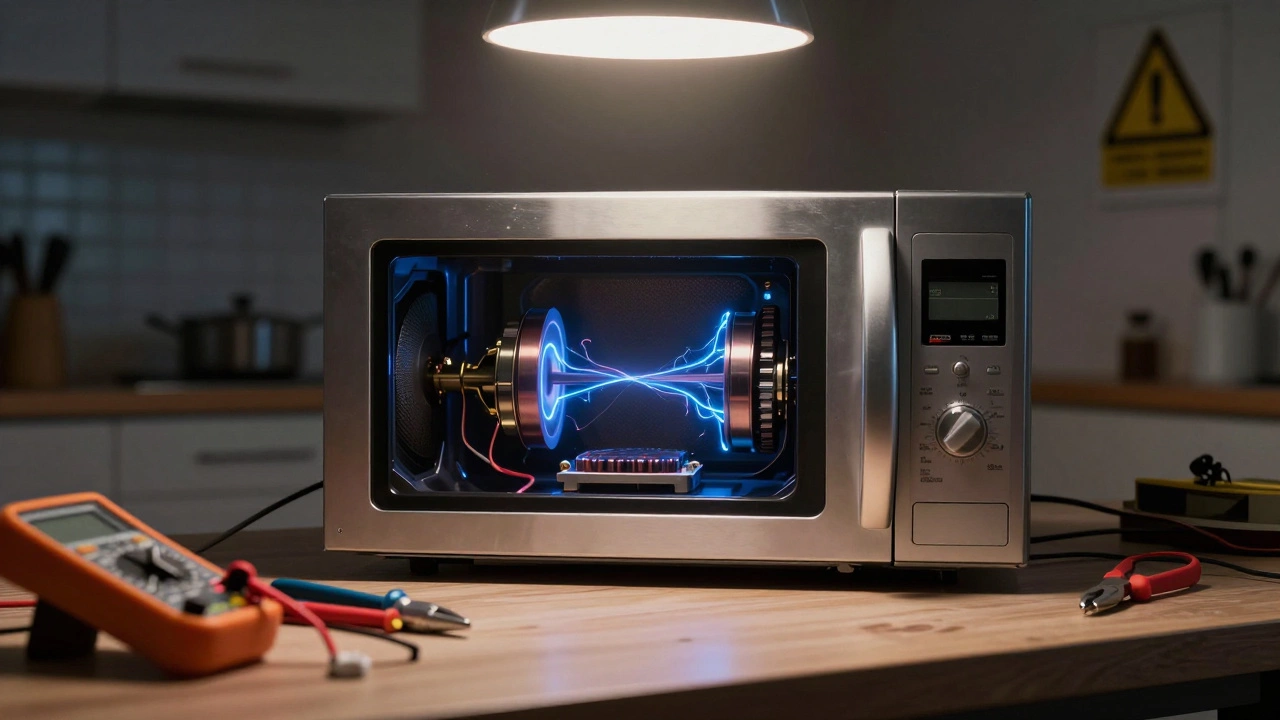
Before you touch your microwave with anything other than a cleaning cloth, you need to understand why this appliance is unique. Unlike a toaster or a blender, a Microwave Oven is a kitchen appliance that uses electromagnetic radiation to heat food by exciting water molecules. To generate these waves, it uses a component called a magnetron, which requires extremely high voltage-often between 2,000 and 4,000 volts-to operate.
This high voltage is generated by a transformer and stored in a large component called a High-Voltage Capacitor is an electronic component that stores electrical energy in an electric field. Even if you unplug the microwave from the wall, this capacitor can retain a shock capable of causing severe injury or death for days, weeks, or even longer. This is why professionals use a discharge tool-a specific type of insulated screwdriver-to safely drain the energy before opening the case.
If you are not trained in high-voltage electronics, do not remove the outer casing. Most common microwave failures can be diagnosed without opening the unit. If the issue lies inside, it is safer and often cheaper to buy a new unit than to risk your life or hire a specialist for a small repair.
Troubleshooting Common Issues Without Tools
Let’s start with the easiest checks. These require no tools, no disassembly, and zero risk. Many times, the “broken” microwave is actually working perfectly fine; something else is preventing it from operating.
The Microwave Won’t Turn On
If the display is blank and no buttons respond, follow these steps:
- Check the power outlet: Plug another device, like a lamp, into the same socket. If the lamp doesn’t work, the issue is with your home’s electrical circuit, not the microwave.
- Inspect the circuit breaker: Go to your fuse box. Look for a tripped breaker labeled “Kitchen” or “Appliances.” Flip it off and then back on. Microwaves draw significant power, and a surge can trip the breaker.
- Examine the power cord: Look for frayed wires or damage near the plug. If the cord is damaged, do not use it. Replace the cord if possible, or consider replacing the unit if the damage is extensive.
It Runs But Doesn’t Heat
This is one of the most common complaints. The light turns on, the turntable spins, but your coffee stays cold. Here is what might be happening:
- Incorrect Settings: Did you accidentally set the time to 0:01? Check the clock and timer settings. Sometimes, after a power outage, the clock resets, and the microwave won’t function until the correct time is entered.
- Door Switch Failure: Microwaves have multiple safety switches that detect if the door is closed. If one of these switches is misaligned or broken, the microwave may run the fan and light (to cool itself) but disable the magnetron for safety. Listen for a click when you close the door. If it sounds weak or doesn’t click, the latch mechanism might be loose.
- Magnetron or Diode Failure: Inside the unit, the magnetron generates the heat, and the high-voltage diode rectifies the current. If either fails, the microwave runs but produces no heat. This is an internal repair. Given the cost of parts and labor, this is often the point where buying a new microwave makes more financial sense.
Sparks or Arcing Inside
Seeing sparks inside your microwave is alarming, but it’s usually caused by user error rather than a mechanical failure.
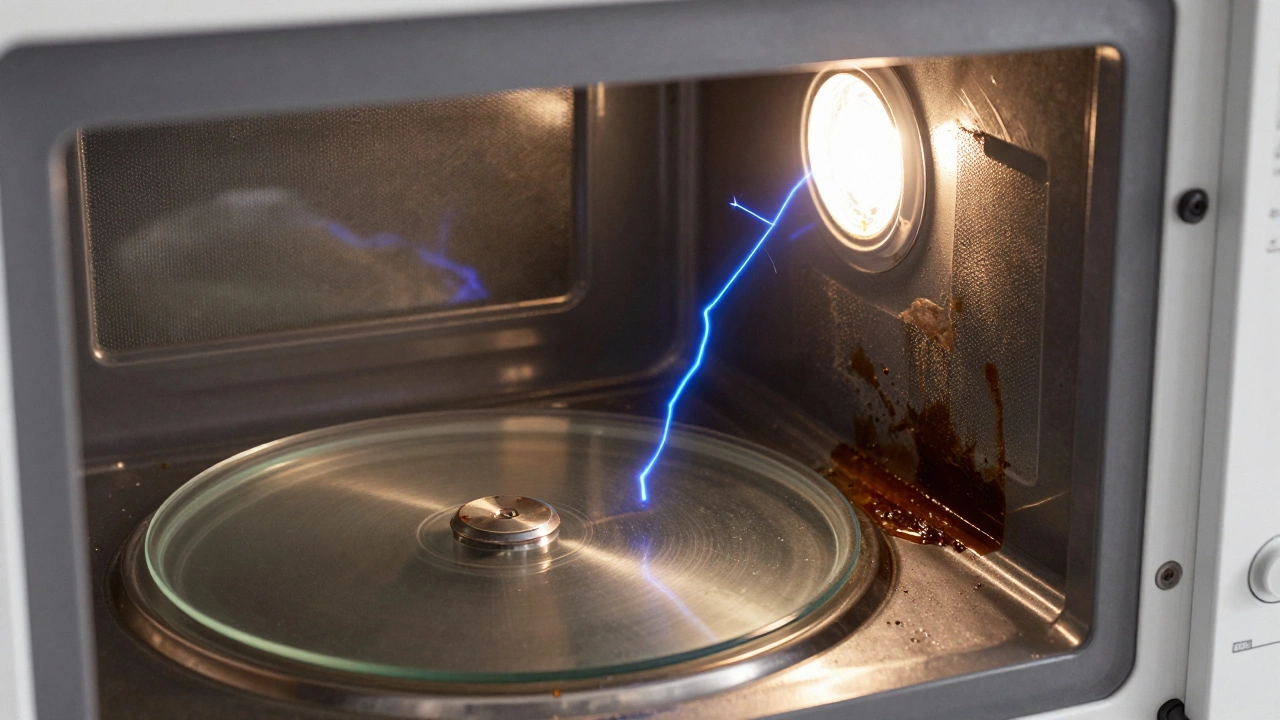
- Metal Objects: Never put metal foil, utensils, or containers with metallic trim inside. Metal reflects microwaves, causing electrical arcing. Remove any metal immediately.
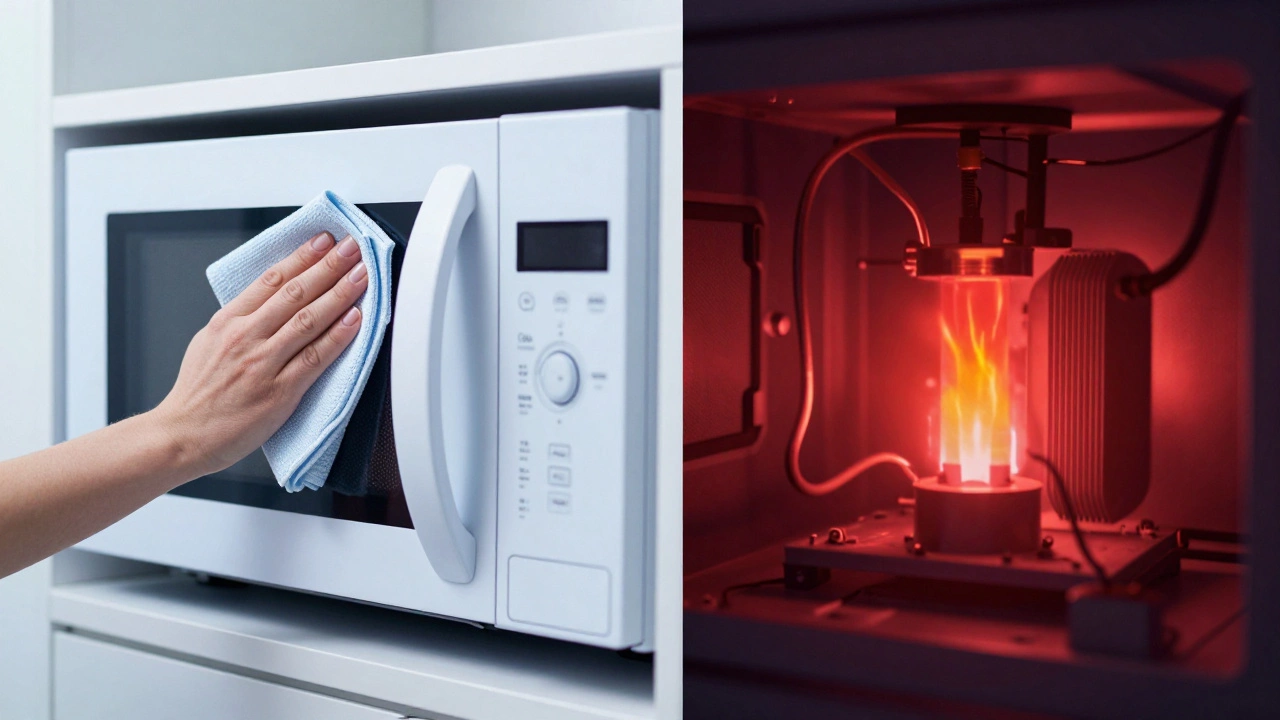
- Dirty Interior: Grease and food particles baked onto the walls can absorb microwaves and ignite, causing sparks. Clean the interior thoroughly with a damp cloth and mild detergent. Avoid abrasive scourers that scratch the enamel.
- Damaged Waveguide Cover: There is a small plastic or mica sheet covering the hole where microwaves enter the cavity. If this cover is burnt or pierced, microwaves can reflect back and damage the magnetron. This part is inexpensive and easy to replace if you know how to access it (usually by removing the top grille). However, if you see burn marks on the cavity walls themselves, the damage may already be done.
Loud Noises or Burning Smells
A humming sound is normal. A loud buzzing, rattling, or grinding noise is not.
- Buzzing: This often indicates a failing high-voltage diode or capacitor. Since these are internal components, this requires professional assessment or replacement of the unit.
- Rattling: Check if something has fallen behind the turntable or if the glass plate is cracked. A cracked turntable can break further under heat, creating shards and noise.
- Burning Smell: If it smells like burning plastic, unplug the microwave immediately. Check for melted plastic on the door seal or inside the cavity. If the smell persists after cleaning, an internal wire insulation may be melting. Do not use the appliance.
Simple Maintenance to Prevent Breakdowns
Most microwave repairs are preventable with basic care. Think of your microwave like your car: regular maintenance keeps it running smoothly.
Clean the Door Seals
The rubber seal around the door prevents microwaves from leaking out. Over time, food residue builds up here, preventing the door from sealing tightly. If the door doesn’t seal, the microwave may not start, or it could leak radiation (though modern units have multiple safety interlocks).
Wipe the seal weekly with a damp cloth. Inspect it for tears or gaps. If the seal is damaged, the microwave is unsafe to use. Replacement seals are available online, but fitting them correctly is tricky. Often, it’s easier to replace the entire unit.
Replace the Turntable Roller Ring
The plastic ring under the glass plate wears out over time. If the plate wobbles or makes squeaking noises, lift the glass plate and inspect the roller ring. If it’s cracked or missing teeth, order a replacement. These are model-specific but cheap. Simply slide the old one out and the new one in.
Ventilate Properly
Microwaves generate heat during operation. Ensure there is at least 5-10 cm of space around the vents (usually on the sides or back). Don’t push the microwave flush against cabinets. Poor ventilation causes the motor and electronics to overheat, shortening their lifespan.
When to Call a Professional vs. Buy New
Here is a practical decision tree to help you choose your next step.
| Issue | Can You Fix It? | Recommended Action |
|---|---|---|
| Won’t turn on (power/clock) | Yes | Check outlet, breaker, and reset clock. |
| Sparks from metal/dirt | Yes | Remove metal, clean interior thoroughly. |
| Turntable won’t spin | Yes | Replace roller ring or glass plate. |
| Runs but doesn’t heat | No (Internal) | Consider replacement unless under warranty. |
| Loud buzzing/grinding | No (Internal) | Stop using. Consult a pro or replace. |
| Burnt smell/persistent arcing | No (Safety Risk) | Discontinue use immediately. Replace. |
If your microwave is less than three years old and still under warranty, contact the manufacturer. Opening the case voids most warranties. If it’s older than five years, the cost of a professional repair (£80-£150) often exceeds the value of the appliance. In this case, recycling the old unit and buying a new one is the smarter economic choice.
Frequently Asked Questions
Is it safe to open the back panel of my microwave?
No, it is not safe for the average person. The back panel provides access to the high-voltage capacitor and transformer. Even when unplugged, the capacitor can hold a lethal charge. Only qualified technicians with proper discharge tools should open the main chassis.
Why does my microwave spark when I put nothing in it?
If it sparks with an empty cavity, there is likely damage to the waveguide cover (mica sheet) or corrosion on the interior walls. This can cause arcing that damages the magnetron. Stop using the microwave immediately and inspect the interior for black scorch marks. If found, the unit needs professional attention or replacement.
Can I replace the turntable motor myself?
Replacing the turntable motor is difficult because it is located underneath the cooking chamber. Accessing it requires removing the entire glass assembly and often unscrewing the bottom panel. While technically possible, it is labor-intensive. For most people, replacing the whole unit is more cost-effective than spending hours on this repair.
Does a dirty microwave affect its performance?
Yes. Grease and food splatter absorb microwaves, which can lead to uneven heating and overheating of the debris. This can cause smoking, burning smells, and eventually sparks. Regular cleaning ensures efficient operation and extends the life of the appliance.
How long does a typical microwave last?
With proper care, a standard countertop microwave lasts about 7 to 10 years. Built-in models may last longer due to higher build quality. Signs of aging include slower heating, unusual noises, and frequent tripping of circuit breakers.