
- 27 Sep 2026
- Gideon Thornton
- 0
Laptop Repair vs. Replace Decision Tool
Enter your specific details below to get a personalized recommendation based on the "50% Rule" and hardware health factors.
You stare at your seven-year-old laptop. The fan sounds like a jet engine taking off, the battery dies before lunch, and opening Chrome feels like waiting for dial-up to connect. You have two choices: pay a technician or buy a new machine. Most people panic here. They either throw money at repairs that don’t stick or toss a perfectly good chassis into the bin. Neither is right.
The truth isn't black and white. It depends on what’s broken, what you use it for, and how much you value your time versus your wallet. Let’s break down exactly when a repair makes sense and when you should just walk away.
Quick Summary / Key Takeaways
- Repair if: The issue is simple (battery, keyboard, screen) and the cost is under £150.
- Replace if: The motherboard is dead, the CPU is older than Intel 4th Gen, or repair costs exceed 50% of a new entry-level laptop.
- Upgrade first: Swapping an HDD for an SSD often buys you another 2-3 years for under £50.
- Check the model: Business-class laptops (ThinkPad, Latitude) last longer than consumer plastic shells.
The Five-Year Wall: Why Seven Years Matters
Seven years ago, we were in the era of Intel Core i5-6200U processors and mechanical hard drives. These chips are still usable for basic tasks, but they struggle with modern web standards. Websites today are heavier. Video calls require more decoding power. If your laptop has less than 8GB of RAM, you’re fighting a losing battle against Windows 10 or 11 updates.
But hardware ages differently depending on build quality. A Lenovo ThinkPad T-series business laptop built for durability from 2019 might survive another five years with minor tweaks. A cheap plastic consumer model from the same year likely has hinges ready to snap and a thermal design that cooks itself under load. Before you decide, check the specific model number. Search for "[Model Name] common issues" on Reddit or tech forums. If everyone complains about the same motherboard failure, run away.
When to Repair: The Simple Fixes
Some problems are isolated. They don’t mean the whole system is dying. They just mean one part wore out. Here’s when fixing is usually worth it:
Battery Replacement
Lithium-ion batteries degrade chemically over time. After seven years, yours probably holds 40-60% of its original charge. This is annoying but not fatal. A new battery costs £40-£80 installed. If the rest of the laptop runs fine, this is a no-brainer. You get mobility back without buying a new computer.
Screen Cracks
If the display works but the glass is cracked, replacing the panel is often cheaper than you think. For many models, parts cost £50-£100. Add labour, and you’re looking at £100-£150 total. Compare this to a new budget laptop (£300+). Unless your laptop also has a slow processor, fixing the screen keeps your data and setup intact.
Keyboard Failures
Crumbs and wear kill keys. Replacing a keyboard module is straightforward for most technicians. Cost: £50-£90. If you type a lot for work, this is essential. Just make sure the rest of the board isn’t corroded from a past coffee spill.
When to Replace: The Deep Problems
Some failures signal the end of the line. If you hit these roadblocks, spending money on repairs is often throwing cash into a hole.
Motherboard Failure
If your laptop doesn’t turn on at all, or shows random blue screens due to GPU/CPU faults, the motherboard is suspect. Diagnostics take time. Parts are expensive. Labour is high. A replacement board might cost £150-£250 plus fitting. At that price, you’re halfway to a new machine with a warranty and better specs. Unless it’s a rare, high-end workstation, skip the repair.
Obsolete Ports and Wi-Fi
Does your laptop lack USB-C? Does it only support Wi-Fi 4 (802.11n)? Modern internet speeds and accessories rely on newer standards. You can add adapters, but they clutter your ports and drain battery. If connectivity frustrates you daily, a new machine solves multiple problems at once.
The Performance Ceiling
Here’s a hard truth: software gets slower relative to old hardware. Even if you fix every physical defect, a dual-core i5 from 2019 will choke on heavy Excel sheets or 4K video editing. If your job demands multitasking, repairing won’t change physics. You need more cores and faster cache memory.
The Magic Upgrade: SSD Swap
This is the single best investment for any laptop over five years old. If your machine still uses a mechanical Hard Disk Drive (HDD), swapping it for a Solid State Drive (SSD) transforms performance. It’s not a small tweak; it’s night and day.
An HDD reads data by physically moving a needle across a spinning platter. An SSD uses flash memory. No moving parts. Access times drop from milliseconds to microseconds. Boot times go from two minutes to twenty seconds. Apps open instantly.
| Metric | With HDD | With SSD | Cost to Upgrade |
|---|---|---|---|
| Boot Time | 90-120 seconds | 15-25 seconds | £40-£60 (DIY) £80-£120 (Pro) |
| App Launch | Slow/Stuttery | Instant | |
| Battery Life | Lower (spinning motor) | Higher (efficient) | |
| Durability | Fragile | Rugged |
If your laptop is sluggish but otherwise healthy, do this before considering a new purchase. Clone your old drive to the new SSD using free software like Macrium Reflect. Keep the old HDD as a backup. You’ll feel like you bought a new computer for a fraction of the price.
Decision Framework: Repair vs. Replace
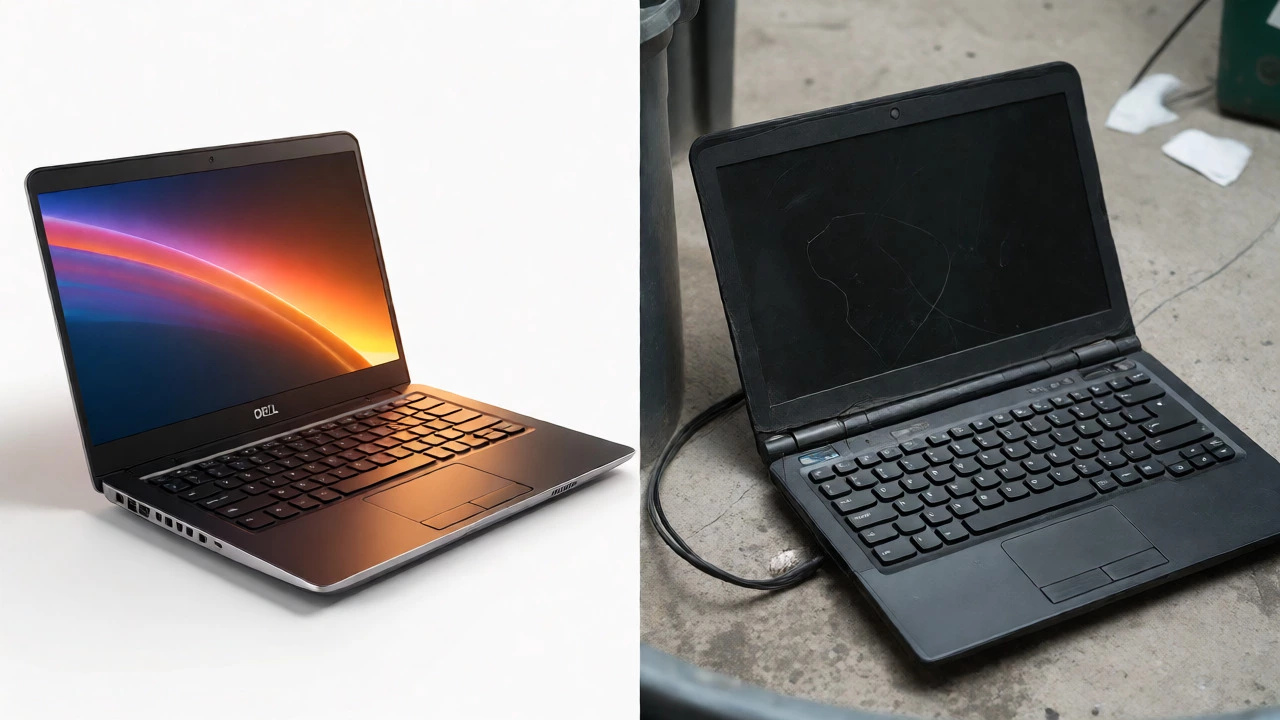
Use this simple checklist to make your call. Be honest about your needs.
- Calculate Repair Cost: Get a quote. If it’s over £150, pause.
- Compare to New Entry-Level: In the UK, decent new laptops start around £350-£400. If repair > 50% of this, lean towards replace.
- Assess Usage: Do you only browse web and email? Repair might suffice. Do you edit photos or code? Replace.
- Check Data Transfer Effort: Moving files and reinstalling apps takes hours. Factor in your hourly wage. Is saving £100 worth 5 hours of hassle?
- Eco-Impact: Manufacturing a new laptop emits ~300kg CO2. Repairing extends life. If the device is functional, keep it running.
Related Concepts and Connected Topics
Understanding laptop longevity involves broader tech concepts. Thermal Paste application improves cooling efficiency can lower temperatures by 10-15°C, preventing throttling. Regular cleaning of fans prevents dust buildup, which is the #1 killer of older machines. Also, consider Windows 11 Compatibility requirements for TPM 2.0 chips. Some 7-year-old laptops officially support it, others don’t. Lack of official support means security updates stop sooner, making them riskier for banking.
If you decide to replace, look into Refurbished Business Laptops high-quality used devices with warranties. Companies lease fleets for three years, then sell them. You can get a premium Dell Latitude or HP EliteBook for half the price of new. They’re built to last and often come with fresh batteries and SSDs already installed. It’s the sweet spot between repair and new.
How long does a laptop typically last?
Most laptops last 3-5 years. High-end business models can last 7-10 years with proper maintenance. Consumer-grade plastic laptops often fail after 3-4 years due to hinge or port issues.
Is it cheaper to repair or buy a new laptop?
For simple fixes like batteries or SSDs, repair is much cheaper. For major component failures like motherboards or screens on low-end models, buying new is often more cost-effective long-term due to better energy efficiency and warranty coverage.
Can I upgrade RAM in my old laptop?
Many laptops allow RAM upgrades, but some ultrabooks have soldered memory. Check your model’s manual. Upgrading from 4GB to 8GB significantly helps multitasking, but won’t fix a slow processor.
What is the most cost-effective upgrade for an old laptop?
Replacing a mechanical hard drive (HDD) with a solid-state drive (SSD) is universally the best value. It dramatically improves speed and responsiveness for under £50 in parts.
Should I repair a laptop with a cracked screen?
Yes, if the laptop is otherwise functional and the repair cost is under £150. Screens are fragile, but panels are widely available. If the frame is also bent, the repair might be too complex.