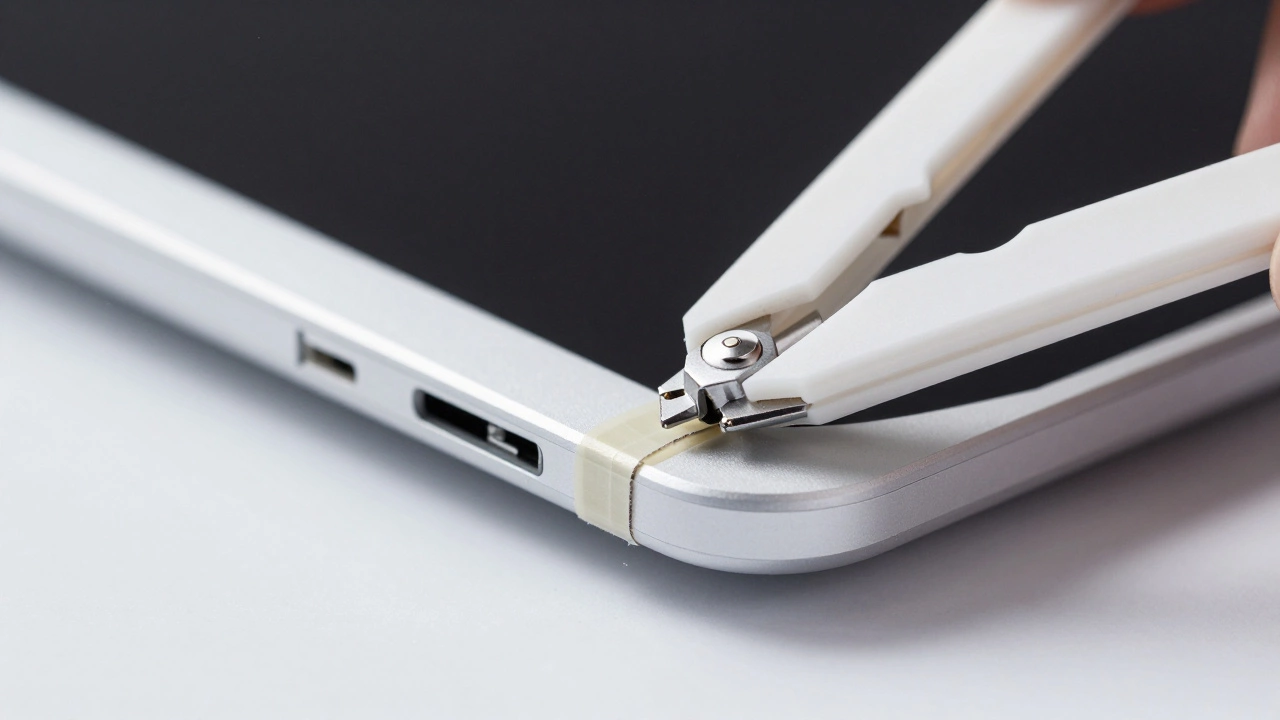
Discover why fixing a laptop often costs hundreds of pounds. We break down the hidden costs behind parts, labor, and proprietary designs that drive up your bill.

Got a laptop that won’t boot, a cracked screen, or a battery that dies in minutes? You’re not alone. Most people face a laptop problem at least once a year, and the stress of finding a trustworthy repair service can be real. That’s why we focus on clear pricing, quick turnaround, and protecting your data every step of the way.
We handle every common issue you might run into. Broken hinges, faulty keyboards, and water damage are all part of our daily routine. If the laptop won’t turn on, we test the power board, charger, and internal connections before deciding on a repair plan. Screen replacements are done with OEM‑grade panels to keep colors and brightness spot on. For performance problems, we clean out dust, reapply thermal paste, and upgrade RAM or SSD where it makes sense.
Even more specialised jobs are within reach. We can replace logic boards, fix GPU overheating, and recover data from dead drives. Our technicians stay up‑to‑date with the latest models, from budget Chromebooks to high‑end gaming rigs. No matter the brand—Dell, HP, Apple, Lenovo, or a custom build—we’ve got the parts and know‑how to get it working again.
Handing over a laptop can feel risky, especially if you store work files, photos, or passwords on it. Before any repair, we ask you to back up important data, but we also take extra steps on our end. Our workstations are isolated from the internet, and we use clean, disposable USB drives for any data transfers.
We sign a confidentiality agreement for every job, and we document the condition of your device with photos before we start. If a repair requires opening the drive, we clone it first and work on the copy, leaving the original untouched. This approach lets you recover any lost files quickly if something goes wrong.
Pricing is transparent. You’ll receive a written estimate before we order parts, and we never add hidden labor fees. Small fixes like a cracked keyboard start at a low flat rate, while more complex board replacements are quoted based on part cost plus a reasonable hourly rate. We also offer a free diagnostic check—so you know exactly what’s broken and how much it will cost before you commit.
Speed matters, too. Most common repairs are completed within 24‑48 hours, and we offer a same‑day service for urgent cases if you need your laptop for work or school. You can drop the device off at our Nuneaton shop or arrange a pickup, and we’ll notify you as soon as it’s ready.
Choosing us means you get a local team that treats your laptop like it’s their own. We’re proud of the positive reviews from neighbors who appreciate honest advice, fast fixes, and the peace of mind that comes with knowing their data is safe. Give us a call or swing by—let’s get your laptop back to life without breaking the bank.
Discover why fixing a laptop often costs hundreds of pounds. We break down the hidden costs behind parts, labor, and proprietary designs that drive up your bill.

Figuring out how much to spend on fixing your laptop can be as frustrating as the device itself when it's acting up. Different factors, such as the type of repair needed and the age of your laptop, can influence costs. We’ll navigate through typical repair prices, the decision between DIY and professional services, and when it might be time to simply get a new device. Stick around to learn how to make a smart repair decision that's easy on your wallet.

Many folks worry about the safety of taking their laptops to repair shops. This article unravels the reality by exploring the risks and precautions, helping you understand what to check before handing over your device. Learn the value of backing up your data, choosing a reputable shop, and the common practices repair shops use to ensure safety. Make informed decisions and protect your sensitive information while getting your laptop repaired.
Laptops, being crucial devices in our digital lives, often need repairs during their lifespan. Determining which components are the most expensive to fix can help owners plan for maintenance and upgrades. This article takes an in-depth look at the parts that usually hit the wallet hardest when they break down. It also offers practical tips on how to safeguard these components to extend a laptop’s functional life.

Deciding whether to keep a decade-old laptop can be tricky. While sentimental value is one factor, the practicality of maintaining or upgrading your old machine is another. Explore the key considerations, including performance capabilities, cost of repairs, and environmental impact, to make an informed decision about your aging device. Discover tips on maintenance and when it might be time to let go.